> For the complete documentation index, see [llms.txt](https://docs.axiom.trade/llms.txt). Markdown versions of documentation pages are available by appending `.md` to page URLs; this page is available as [Markdown](https://docs.axiom.trade/axiom/finding-tokens/pulse.md).
# Pulse
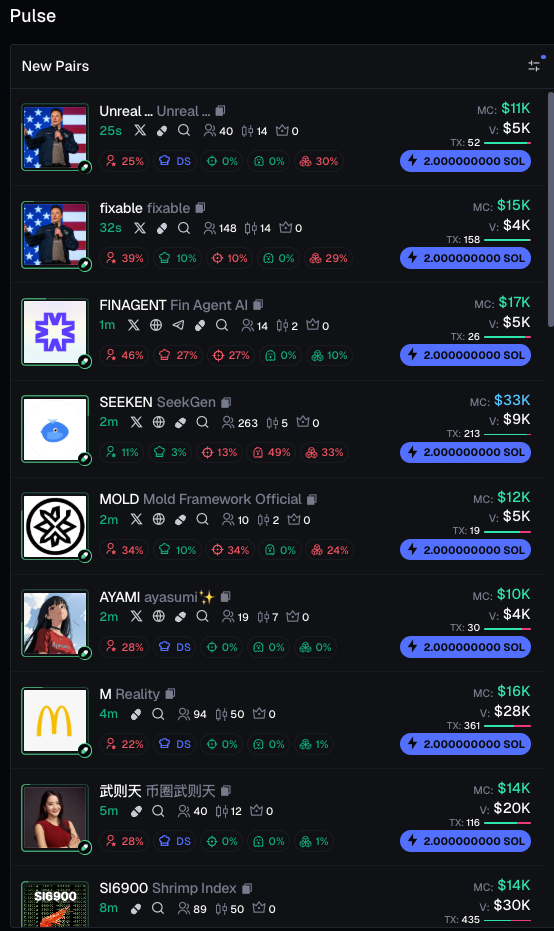
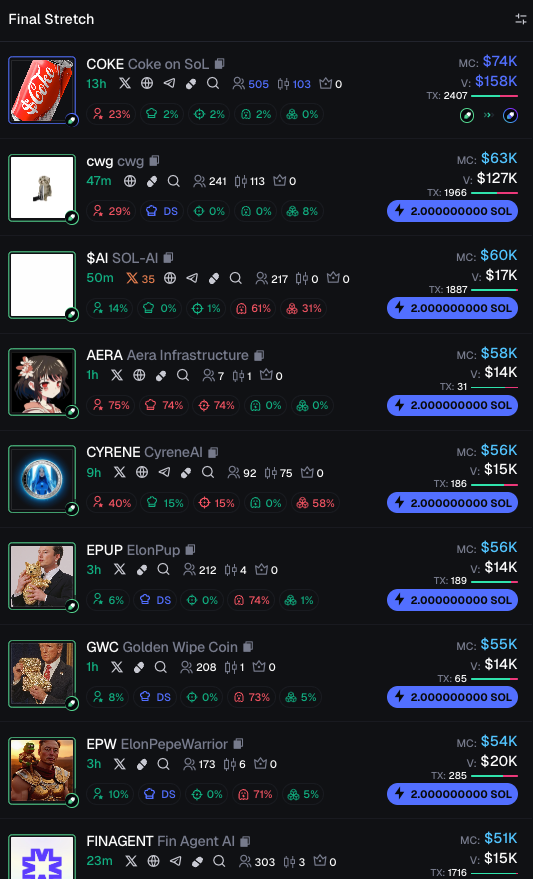
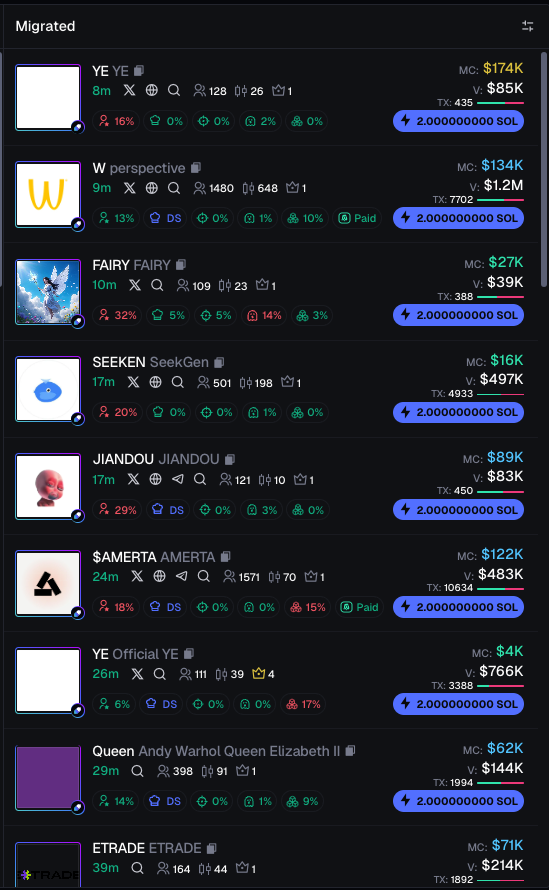
Pulse is an innovative way to monitor pump.fun and \[REDACTED] tokens without going to their website, which can be laggy and unusable at times. With Pulse, you can find newly created tokens (New Creations), tokens that will soon reach 100% on their bonding curve and then be migrated to Raydium (Final Stretch), and tokens that just recently migrated to Raydium so you can catch the pump. **NOTICE**: you can [Quick Buy](https://docs.axiom.trading/features/quick-buy) on these tables by simply clicking on the lightning bolt!
{% tabs %}
{% tab title="New Pairs" %}
On this table, you can view all the new pairs that were just created, catching opportunities before anyone else!
Newly Created Tokens
{% endtab %}
{% tab title="Final Stretch" %}
Final stretch contains all the tokens that are close to completing their bonding curve and migrating to Raydium, This means you can get in before the Raydium pump!
{% endtab %}
{% tab title="Migrated to Raydium" %}
Finally, migrated to Raydium contains all the tokens that made it to Raydium with the newest ones at the top.
{% endtab %}
{% endtabs %}
***
## Filters
| Filters | Description |
| ------------------- | -------------------------------------------------------------------------------------------------------------------------------------------- |
| Age (mins) | Filters tokens based on their age in minutes. Helps identify newly launched tokens. |
| Top 10 Holders % | Sets a range for the percentage of supply held by the top 10 wallets. Lower values indicate more decentralization. |
| Dev Holding % | Filters tokens based on the percentage of supply held by developers. Helps assess potential risks from large dev-controlled holdings. |
| Snipers % | Identifies the percentage of early buyers (snipers). High sniper percentage may indicate bot activity. |
| Insiders % | Filters tokens based on the percentage held by insiders (private sales, team members). Useful for identifying potential pump-and-dump risks. |
| Bundle % | Filters based on the percentage of supply held in bundle wallets. Helps assess token distribution. |
| Holders | Filters tokens based on the total number of unique wallet holders. More holders usually indicate higher adoption and stability. |
| Pro Traders | Identifies the percentage of experienced traders holding or trading the token. Indicates traders using other platforms. |
| Liquidity ($) | Sets a minimum and maximum liquidity range. Higher liquidity means better price stability. |
| Volume ($) | Filters tokens based on total trading volume within a set time period. Helps find highly active tokens. |
| Market Cap ($) | Filters tokens based on market capital (price × supply). Useful for targeting small-cap or large-cap tokens. |
| Txns (Transactions) | Filters tokens based on the number of transactions. A high number of transactions suggests active trading. |
| Num Buys | Filters tokens based on the number of buy transactions. Helps assess buying pressure. |
| Num Sells | Filters tokens based on the number of sell transactions. Helps assess selling pressure. |
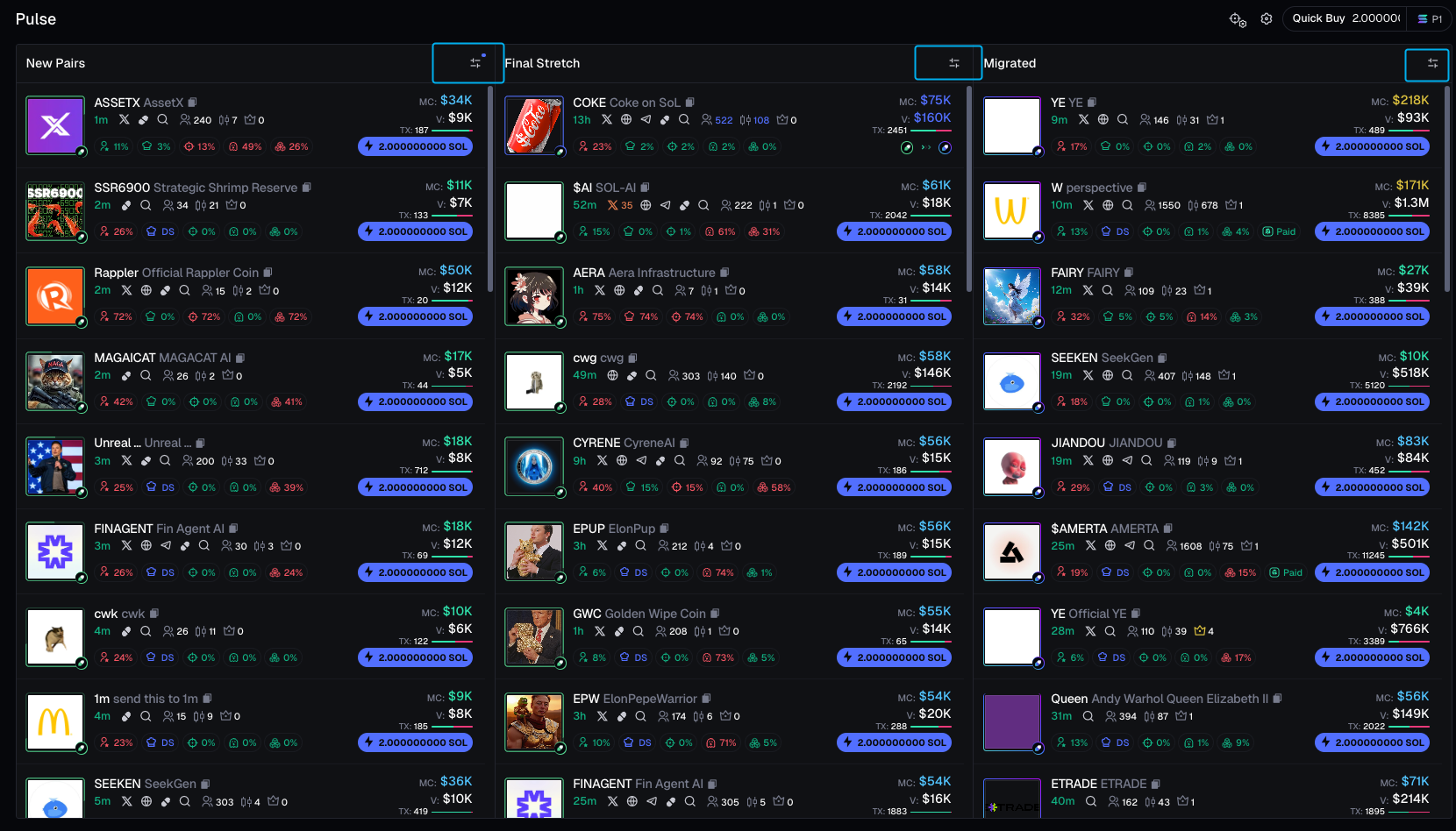
Access it via these buttons: